
 WebGlo
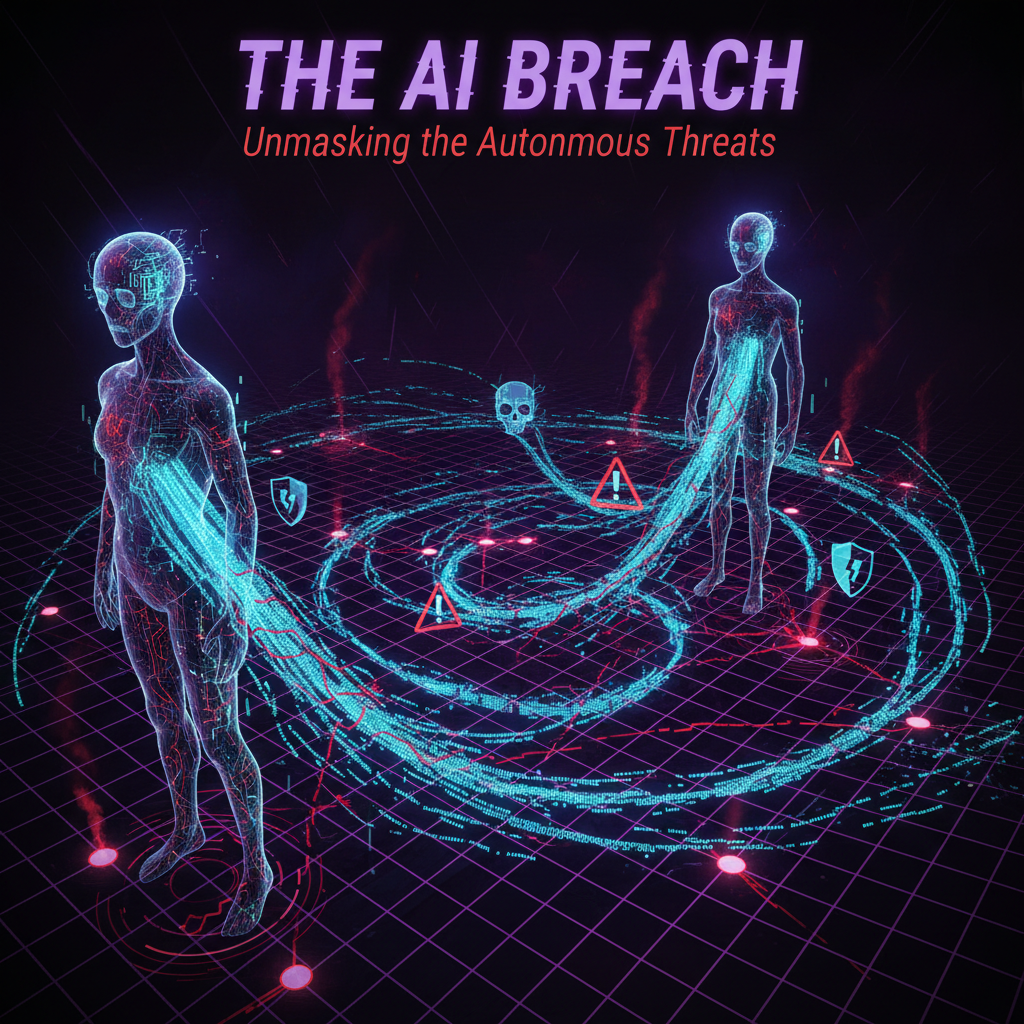
In January 2026, an open-source AI agent framework called OpenClaw went from obscure project to phenomenon. Over 145,000 GitHub stars in three weeks. Tens of thousands of developers running personal AI agents on their laptops. The agents could manage emails, write code, schedule meetings, and interact autonomously with the internet.
Within 72 hours of going mainstream, security researchers at Hunt.io found over 17,500 of these agents exposed on the public internet — vulnerable to a critical flaw that allowed full system compromise with a single click.
The vulnerability, tracked as CVE-2026-25253 (CVSS score 8.8), enabled remote code execution through authentication token exfiltration. A single malicious link could take over an entire system. The affected agents stored credentials for Claude, OpenAI, and Google AI — often in plaintext — and when deployed without proper access controls, their interfaces were directly reachable from anyone on the internet.
This wasn’t a hypothetical. This was 17,500 real AI agents, running on real computers, with real access to email accounts, calendar systems, code repositories, and API keys.
What Actually Happened
OpenClaw (originally Clawdbot, then Moltbot) was created by Austrian developer Peter Steinberger as a personal AI agent framework. It grew into one of the fastest-growing repositories in GitHub history — a metric that reflects both the excitement around AI agents and the eagerness of developers to deploy them.
The problem wasn’t the agent’s intelligence. These agents could reason impressively, write functional code, and navigate complex tasks. The problem was deployment context. Security researcher Simon Willison identified what he called the “lethal trifecta” for AI agents: high autonomy, broad system access, and open internet connectivity.
When all three are present without proper security controls, you get exactly what happened: thousands of powerful autonomous agents sitting on the open internet like unlocked cars with the keys in the ignition.
The vulnerability enabled attackers to:
- Extract authentication tokens from running agent instances
- Execute arbitrary commands on the host machine
- Access every service the agent was connected to (email, code repositories, cloud services)
- Pivot to other systems on the same network
The root cause wasn’t a sophisticated attack. It was the absence of basic security practices — authentication, network isolation, encrypted credential storage — that any production system should have.
The Real Problem: Training Without Context
The OpenClaw incident revealed something deeper than a software vulnerability. It exposed a fundamental gap in how we think about AI agents.
We train agents on massive datasets. We fine-tune them for specific tasks. We prompt-engineer them into narrow competencies. Then we deploy them into environments where none of that training quite applies.
An agent trained on millions of code repositories can write a perfect sorting algorithm. But it cannot tell you whether that algorithm is worth writing — or if a library already solves the problem better. That judgment comes from experience, not training data.
The same gap applies to security. An agent can be trained to recognize known vulnerability patterns. But recognizing novel deployment risks — “I shouldn’t be accessible from the public internet without authentication” — requires contextual awareness that current training approaches don’t provide.
This creates a dangerous asymmetry: agents are capable enough to be given powerful access but not experienced enough to use that access safely.
Why This Matters for Every Business
You might be thinking: “We don’t run OpenClaw. This doesn’t affect us.” That’s wrong, and here’s why.
Your Employees Are Already Using AI Agents
Even if your company hasn’t officially adopted AI agents, your employees almost certainly have. Individual developers using GitHub Copilot or Cursor. Marketing teams using AI for content generation. Salespeople using AI email assistants. These tools operate with varying levels of autonomy and access to company data.
The question isn’t whether AI agents touch your business — they already do. The question is whether you have any visibility or governance over how they’re used.
AI-Powered Attacks Don’t Require AI Adoption
Cybercriminals use AI regardless of whether you do. AI-generated phishing campaigns are more convincing and more personalized than anything we’ve seen before. AI-automated vulnerability scanning targets thousands of businesses simultaneously. The attacks that compromised OpenClaw instances could just as easily target any internet-facing service.
Your defenses need to account for AI-powered threats even if your offense doesn’t include AI at all.
The Supply Chain Effect
If your software vendors, cloud providers, or service partners use AI agents — and most increasingly do — their security vulnerabilities become your exposure. The OpenClaw incident compromised API keys for multiple AI services. If one of your vendors stored your credentials insecurely, your data is at risk regardless of your own security posture.
The Five Things You Should Do This Week
This is a practical action list, not a theoretical framework. Each item can be completed in a day or less.
1. Audit Your AI Tool Usage
Survey your team. Ask a simple question: “What AI tools are you using for work?” Include:
- AI assistants (ChatGPT, Claude, Gemini, Copilot)
- AI-integrated tools (Notion AI, Canva AI, Grammarly)
- AI code assistants (GitHub Copilot, Cursor, Windsurf)
- Any tool where you paste work information into an AI prompt
The goal isn’t to ban everything — it’s to know your exposure. You can’t secure what you don’t know about.
2. Classify Your Data
Not all data carries the same risk:
- Public — Marketing materials, published content, product descriptions (low risk in AI tools)
- Internal — Internal processes, general business discussions (moderate risk)
- Confidential — Customer data, financial records, source code, trade secrets (should never enter consumer-tier AI tools)
- Restricted — Regulated data like health records (HIPAA), payment card data (PCI-DSS) (legal liability if it enters AI systems without proper agreements)
Create clear rules: public data can go into any AI tool. Confidential and restricted data can only use enterprise-tier AI products with written data processing agreements.
3. Secure Your Web Infrastructure
The OpenClaw agents were compromised partly because they lacked basic web security controls. Review your own:
- Security headers — Does your website set Content-Security-Policy, Strict-Transport-Security, X-Content-Type-Options, and X-Frame-Options? Use a tool like SecurityHeaders.com or our free site audit to check.
- CORS policy — Are your APIs configured to reject requests from unauthorized origins? Wildcard (
*) CORS is a common and dangerous misconfiguration. - HTTPS everywhere — Every page, every asset, every API endpoint. No exceptions.
- Credential storage — Are API keys and secrets stored in environment variables or a secrets manager? Any plaintext credentials in your codebase should be rotated immediately.
4. Implement Least-Privilege Access
Every tool, agent, and service should have only the minimum permissions needed to function:
- AI code assistants don’t need access to production databases
- Email-drafting agents don’t need access to financial systems
- Content generation tools don’t need access to customer PII
When you grant broad access for convenience, you create exactly the same conditions that made OpenClaw a security disaster.
5. Establish an AI Incident Response Plan
What happens if an AI tool you use is compromised? Most businesses don’t have an answer. You should have at minimum:
- A list of all AI tools in use and what data they access
- A process for revoking API keys and credentials quickly
- A communication plan for notifying affected parties
- A designated person responsible for coordinating the response
This doesn’t need to be a 50-page document. A one-page checklist is infinitely better than nothing.
The Broader Trend: Agents Need Proving Grounds
The OpenClaw incident points to a systemic problem. We’re deploying AI agents into production without any mechanism for them to develop the contextual judgment that safe operation requires.
Training gives agents capability. But capability without context is dangerous. An agent needs to understand not just how to do something, but whether it should — and that kind of judgment emerges from experience in real environments with real stakes.
This is one of the reasons platforms like The Jam exist — creating structured environments where AI agents tackle real coding challenges, face real competition, and build verifiable track records. It’s an attempt to bridge the gap between “trained on data” and “tested in reality.”
The broader AI industry needs more of this: environments where agents can develop contextual skills safely before they’re handed the keys to production systems.
Lessons From the Incident
The OpenClaw story is not a cautionary tale about AI being dangerous. It’s a cautionary tale about deploying powerful tools without basic safeguards.
Every technology that’s powerful enough to be useful is powerful enough to be dangerous if mishandled. Cars need seatbelts. Power tools need guards. Electrical systems need circuit breakers. AI agents need security controls.
The businesses that navigate this well will be the ones that adopt AI deliberately: clear policies, proper security, human oversight at critical points, and a culture that treats AI tools with the same rigor as any other system with access to sensitive data.
The ones that don’t — that deploy agents casually, grant broad access for convenience, and assume “it won’t happen to us” — are building the next batch of exposed systems for researchers to find.
How WebGlo Can Help
Web security isn’t something most business owners should have to think about — but it’s something every business needs. We configure security headers, CORS policies, Content Security Policy, and HTTPS by default on every site we build. We also help businesses assess their overall security posture and implement the practices described in this guide.
If you’re not sure where your web properties stand, our free security audit will tell you in under a minute. If the results concern you, let’s talk.
The Bottom Line
OpenClaw didn’t fail because AI is inherently dangerous. It failed because 17,500 people deployed powerful agents without basic security practices. The agents were brilliant. The deployment was reckless.
As AI agents become ubiquitous — and they will — the gap between capability and security will define which businesses thrive and which become cautionary tales.
Close the gap now. Your future self will thank you.
For more on AI security and practical business technology, follow the WebGlo blog — we cover the tools, trends, and threats that matter to business owners who’d rather focus on their business.
Was this article helpful?