
 WebGlo
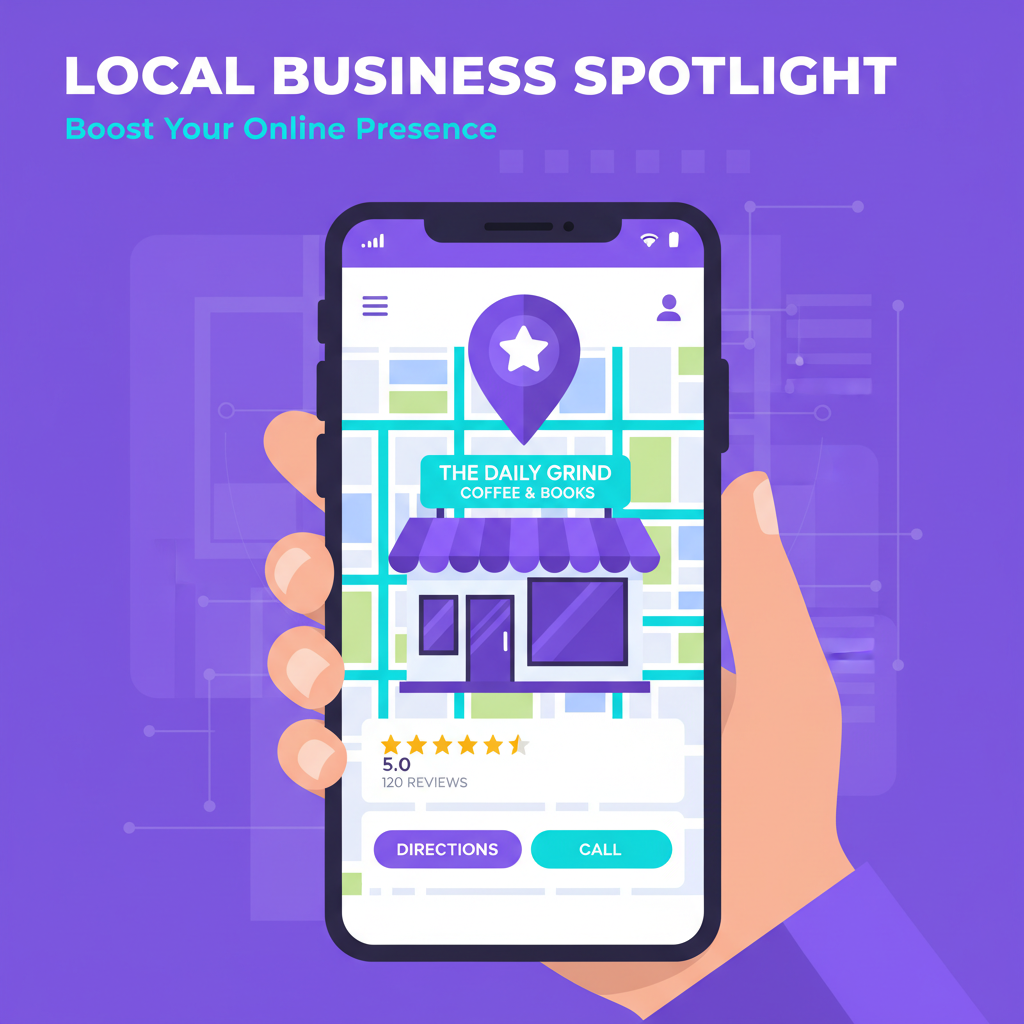
If you run a business that serves customers in a specific area — a restaurant, a plumbing company, a law firm, a gym, a salon, a dental practice — your Google Business Profile is the single most important thing you can set up online. More important than your website. More important than your social media. More important than anything else.
Here’s why: when someone searches “plumber near me” or “best pizza in [your city],” Google doesn’t show them a list of websites. It shows them the Map Pack — those three business listings with ratings, hours, photos, and directions. If you’re not in that pack, you’re invisible to the people most likely to become your customers.
Setting up a Google Business Profile is free and takes about 30 minutes. Doing it well takes a bit more thought, but this guide covers everything.
What Is Google Business Profile?
Google Business Profile (GBP), formerly Google My Business, is a free tool that lets you manage how your business appears on Google Search and Google Maps. When you claim and optimize your profile, you control:
- Your business name, address, and phone number
- Your hours of operation (including holiday hours)
- Photos of your business, products, and team
- Customer reviews and your responses to them
- Posts and updates (similar to social media)
- Services and products you offer
- A direct messaging channel
- Booking links and appointment URLs
- Q&A section where customers can ask questions
All of this information appears directly in Google search results — no click to your website required. For local businesses, this is where most customer decisions happen.
Why It Matters for SEO
Google uses three primary factors for local search rankings:
1. Relevance
How well your profile matches what someone is searching for. If someone searches “emergency electrician” and your profile lists “electrical services” with “emergency” in your service descriptions, you’re relevant.
2. Distance
How close your business is to the searcher. You can’t change your location, but you can ensure your address is accurate and your service area is properly defined.
3. Prominence
How well-known and trusted your business is. This is measured by review count, review quality, citation consistency (your business info matching across the web), and engagement with your profile.
A well-optimized Google Business Profile directly improves all three factors. It’s the highest-ROI marketing activity most local businesses can do.
Step-by-Step Setup
Step 1: Claim Your Business
Go to business.google.com and sign in with a Google account. Search for your business name. If it already exists (Google often creates profiles automatically from public data), click “Claim this business.” If it doesn’t exist, click “Add your business.”
Step 2: Enter Business Information
Fill in every field completely:
- Business name — Use your real business name. Don’t stuff keywords into it (like “Joe’s Plumbing — Best Emergency Plumber in Dallas”). Google will penalize or suspend profiles that do this.
- Category — Choose your primary category carefully. This is the strongest ranking signal. Be specific: “Thai Restaurant” ranks better for Thai food searches than “Restaurant.”
- Address — Enter your exact address. If you’re a service-area business (you go to customers, not the other way around), you can hide your address and specify service areas instead.
- Phone number — Use a local number, not a toll-free number. Local numbers perform better in local search.
- Website — Link to your website. If you don’t have one, Google Sites is a free option.
Step 3: Verify Your Business
Google needs to confirm you actually own or operate this business. Verification methods include:
- Postcard — Google mails a postcard with a verification code to your business address (takes 5-14 days)
- Phone — Some businesses can verify via automated phone call
- Email — If Google already has your email on file
- Video — Record a video showing your business location and signage
- Live video call — A Google representative verifies via video chat
The postcard method is most common. Once you receive it, enter the code in your GBP dashboard and you’re verified.
Step 4: Complete Your Profile — Every Field
This is where most people stop too early. Google rewards complete profiles with better visibility. Fill in:
- Business description — You get 750 characters. Use all of them. Describe what you do, who you serve, and what makes you different. Include naturally relevant keywords but don’t keyword-stuff.
- Services — List every service you offer. Each service can have a name, description, and price. The more specific, the better.
- Products — If you sell products, add them with photos, descriptions, and prices.
- Hours — Set regular hours and special hours for holidays. Google prominently displays “Open now” or “Closed” — incorrect hours frustrate customers and generate negative reviews.
- Attributes — Google offers dozens of attributes depending on your category: wheelchair accessible, free Wi-Fi, outdoor seating, women-owned, veteran-owned, LGBTQ+ friendly, etc. Select every relevant attribute.
- Opening date — Setting this helps Google understand your business history.
Photos: The Most Underused Ranking Factor
Businesses with photos receive 42% more requests for directions and 35% more clicks to their websites, according to Google’s own data. Yet most business profiles have either zero photos or a handful of blurry phone shots.
Upload at minimum:
- Logo — Your business logo, clearly visible
- Cover photo — Your best photo representing the business
- Exterior photos — Multiple angles showing what the building looks like from the street (this helps customers find you)
- Interior photos — Show the space where customers will be
- Team photos — Put faces to the business. People trust people.
- Product/service photos — Show what you actually deliver
- At-work photos — Photos of your team actively doing the work (cooking, fixing, designing, consulting)
Upload new photos regularly — at least monthly. Google favors profiles with fresh, consistently updated content.
Reviews: The Engine of Local Trust
Reviews are the single most influential factor in whether someone chooses your business over a competitor. Here’s how to approach them strategically:
How to Get More Reviews
- Ask at the point of satisfaction. Right after you’ve delivered great service, ask: “Would you mind leaving us a review on Google? It really helps.” Most people say yes in the moment.
- Create a direct review link. In your GBP dashboard, go to “Ask for reviews” and copy the short link. Share it via text message, email, or printed cards. The fewer clicks between the ask and the review box, the higher your conversion rate.
- Add it to your workflow. Put the review request into your standard process — in follow-up emails, on receipts, in post-service text messages.
- Respond to every review. Every single one. Thank people for positive reviews (specifically and personally, not copy-paste). Address negative reviews calmly and professionally. This shows potential customers that you’re engaged and care about feedback.
Handling Negative Reviews
Negative reviews happen to every business. How you respond matters more than the review itself:
- Respond quickly — Within 24-48 hours
- Stay professional — Never argue, get defensive, or attack the reviewer
- Acknowledge the issue — “I’m sorry you had that experience”
- Take it offline — “Please contact us at [phone/email] so we can make this right”
- Follow through — Actually resolve the issue if possible
A business with 4.5 stars and thoughtful responses to negative reviews is more trustworthy than a business with 5.0 stars and zero responses. Consumers know that perfection is either fake or the result of too few reviews.
Google Posts: Your Free Social Media Channel
Google Posts are short updates that appear directly on your business profile in search results. Think of them as a social media feed built into Google. Most businesses don’t use them, which means using them at all gives you a visibility advantage.
Types of posts:
- What’s New — General updates, news, or behind-the-scenes content
- Offers — Promotions with start/end dates, coupon codes, and terms
- Events — Upcoming events with dates, times, and descriptions
Post at least once a week. Keep posts short (150-300 words), include a photo, and always add a call-to-action button (Learn More, Book, Order Online, Call Now, etc.).
Posts expire after 7 days (offers expire on their end date), so consistency matters. A profile with fresh weekly posts signals to both Google and potential customers that the business is active and engaged.
Q&A: Control the Conversation
The Q&A section on your profile is publicly editable — anyone can ask a question, and anyone can answer. This means if you’re not monitoring it, strangers might be answering questions about your business.
Take control:
- Seed your own Q&A. Ask yourself the most common questions your business receives — “Do you offer free estimates?” “What’s your turnaround time?” “Do you serve [neighborhood]?” — and answer them from your business profile. This creates a FAQ directly in search results.
- Monitor new questions. Turn on notifications so you see questions as they come in. Answer quickly and thoroughly.
- Upvote helpful answers. If a customer provides a good answer, upvote it so it stays visible.
Messaging and Booking
GBP offers a direct messaging feature — customers can text you right from your profile. Enable it if you can respond promptly (within a few hours). If you can’t commit to fast response times, leave it off — slow responses create a worse impression than no messaging at all.
For booking, you can add a direct appointment URL. Link to whatever booking system you use — Calendly, Square Appointments, your website’s booking page, or even a Google Form.
Tracking Your Performance
GBP Insights shows you:
- How customers find you — Direct searches (by name) vs. Discovery searches (by category/service)
- Where customers view your profile — Google Search vs. Google Maps
- Customer actions — Website visits, direction requests, phone calls
- Photo views — How your photos compare to similar businesses
- Search queries — What terms people are searching when your profile appears
Review these monthly. If discovery searches are low, improve your category, services, and description keywords. If direction requests are high but phone calls are low, your profile might be missing a clear phone number or call-to-action.
Common Mistakes to Avoid
- Inconsistent NAP — Your Name, Address, and Phone number must be identical everywhere online. If your website says “123 Main St” and your GBP says “123 Main Street,” that inconsistency hurts your ranking. Pick one format and use it everywhere.
- Choosing too broad a category — “Contractor” is less effective than “Kitchen Remodeling Contractor.” Be specific.
- Ignoring reviews — Unanswered reviews (positive or negative) signal that the business isn’t paying attention.
- Keyword-stuffing the business name — This violates Google’s guidelines and risks suspension.
- Stale profile — A profile with no new photos, no posts, and no review responses looks abandoned. Google deprioritizes inactive profiles.
When You Need Professional Help
Setting up a Google Business Profile is something most business owners can do themselves. But optimizing it for competitive local markets — managing citation consistency across dozens of directories, implementing schema markup on your website, building a review generation system, creating a content calendar for Google Posts — that’s where it gets complex.
If local search is critical to your revenue and you’d rather focus on running your business, WebGlo can handle the entire setup and ongoing management. We optimize profiles, manage review responses, create weekly posts, ensure citation consistency, and track performance — so your business shows up where it matters most.
The Bottom Line
A Google Business Profile is the most efficient marketing tool available to local businesses. It’s free, it puts you in front of people actively searching for what you offer, and it builds trust through reviews and engagement.
The businesses that dominate local search aren’t always the biggest or the best-funded. They’re the ones that take their Google Business Profile seriously — complete profiles, regular photos, consistent posts, and thoughtful review management.
Set it up today. Optimize it this week. Maintain it every week after that. The customers searching for you right now will thank you.
This is Part 2 of our free business launch series. Read Part 1: How to Build a Website for Free With Google Sites
Was this article helpful?